Choosing a strong password
The password must contain at least ten characters, including an upper-case letter, a lower-case letter, a digit and a symbol. It is never stored in plain text, and the Ministry will never ask you for it by e-mail.
Create an account to submit, track and keep all your files in one place, or carry on submitting without an account using a simple file number. This page explains both routes, step by step.
The One-Stop Shop personal area is open. By creating a free account, you keep your files, drafts, payments and exchanges with the administration in one place, and your forms are pre-filled with your contact details. Prefer not to register? Submitting without an account is still possible: you receive a file number and a receipt, and you track your application with that number.
This page describes both routes step by step: creating and protecting your account, submitting a file from your area, attaching documents, writing to the administration, linking a file submitted before registration, and recovering a lost number.

Creating an account is free and takes a few minutes from the Create my account page. You enter your name (or that of your organisation), an e-mail address, an optional telephone number, your category — individual, artist, association, cultural business or institution — and your region. You then agree to the processing of your data for account management and the processing of your files.
The password must contain at least ten characters, including an upper-case letter, a lower-case letter, a digit and a symbol. It is never stored in plain text, and the Ministry will never ask you for it by e-mail.
A message containing a link valid for sixty minutes is sent to the address entered. Until it is confirmed, submission and the dashboard remain closed; you can request a new link from the confirmation page.
An organisation opens a single account, in the name of the person submitting, and states the name of the legal representative in each file. For guidance, start with the One-Stop Shop page to choose the procedure, then go on to online submission.
The Ministry will never ask you for your password, your bank password or your Mobile Money code by e-mail. For any question, use the online help.
The My account page asks for your e-mail address and your password. Tick “Stay logged in on this device” only on a device that belongs to you. After five incorrect attempts, login is suspended for a few minutes to protect your account, and the error message never specifies whether the address or the password is at fault.
Check the capital letters and the keyboard language, then use “Forgotten password”. If the problem persists, write via the online help, giving your e-mail address, but never sharing your password.
Without logging in, you can still check the status of an application by entering its number and the address used at submission on the File tracking page.

Once logged in, “My area” brings together everything relating to your procedures. Each file keeps its own number, status, documents and messages.
Your submitted files with their status, your drafts to resume, the list of your payments with their references, and your unread messages. The detail of a file shows the receipt, the attached documents, any note from an officer and the history of exchanges.
The form is pre-filled with your profile. You can save a draft and resume it later, then attach up to five documents in PDF, JPG or PNG format, of five megabytes each. If the procedure involves a fee, you then proceed to payment.
From each file, a message field lets you reply to a request for additional information or ask a question. The administration’s reply appears in the same thread, and an e-mail notifies you.
Enter the file number and the e-mail address used at submission: the file joins your area. If you create your account from the receipt of a submission, the link is automatic. To compare performance authorisations, grant applications or the artist card, note that each procedure keeps its own number and its own processing timescale.
Make a note of the file number as soon as you submit: it remains useful for tracking without logging in and for any correspondence with the Ministry.

A forgotten password can be replaced in a few minutes; a lost file number can be recovered in two ways.
On the login page, open “Forgotten password” and enter the address of your account. A link valid for sixty minutes is sent to you. The response is identical whether or not the address exists, so as to reveal nothing about existing accounts. Choose a new strong password: all previous sessions are then invalidated.
If the file is linked to your account, its number appears in “My area”. Otherwise, look for the confirmation message in your inbox, then in your junk mail, searching for the word “file” or the name of the procedure. Also check the notes on your telephone and your screenshots from the day of submission.
Use the form at the bottom of this page or the Contact page, giving your name, the procedure, the approximate date of submission and the address entered. To protect your information, the officer verifies your identity before giving the number, and sends it only to the address recorded in the file.
In your profile, change the address: a new confirmation link is sent to you. For a file submitted without an account, state the old and the new address and attach a copy of your identity document; the change is recorded in the file. The information on the Opening hours and addresses page also lets you come in person to request confirmation on site.

Submitting a file means entrusting personal information to the Ministry: identity, contact details and sometimes professional documents. It is used solely to process your application, reply to you and compile statistics for the sector. The Site map page links to the legal notices and the personal data policy.
From your profile, you can edit your contact details, change your password, download all your data in a file and delete your account. On deletion, your contact details are erased; files already submitted remain archived by the administration for processing, with no link to an account. Copyright files are kept in accordance with the rules of the register of works.
If you receive a message claiming to come from the Ministry that asks you for money or your password, report it via the Reporting page.
Fill in the registration form with an e-mail address that you check regularly and a strong password.
Open the message you received and click the confirmation link, valid for sixty minutes.
Choose the procedure, check the pre-filled form, attach your documents, save a draft if needed, and pay if the procedure requires it.
Find each file in your dashboard, with its status, documents and receipt.
If additional information is requested, reply in the file’s message thread, then view the decision once it is notified.
Open the One-Stop Shop, choose the procedure and note the file number displayed at the end.
Submit a fileEnter your number to find out the current stage and download the receipt.
Track a fileThe scale of fees for paid procedures is published and repeated at the payment stage.
View the feesDoes an e-mail or a page ask you for your password or an unusual payment? Let us know.
Report
Submit your application online and track it with your file number.
Discover →
One number per performance, to be quoted in all your dealings with the Ministry.
Discover →
Follow the examination of a filming application, from submission to notification of the authorisation.
Discover →
Statutes and documents submitted online, file tracked by number.
Discover →
A single number for your project, its budget and the additional information requested.
Discover →
File, expert appraisal and authorisation: each stage is visible from the tracking page.
Discover →I photographed the confirmation screen as soon as I submitted. Three weeks later, the number allowed me to find my file without any difficulty.
Our treasurer writes each number in the association’s notebook. When the Ministry asked us for additional information, we replied the same day.
I had lost my number. I wrote with the date of submission and my e-mail address; the officer sent it back to me the next day.
I submit from my telephone, without creating an account. I check the status of the file when I have network coverage, which is enough for my work.
“A well-kept file number is worth more than a long story: with it, any officer can find your application within seconds.”
| Function | Current situation | How to proceed | Useful page |
|---|---|---|---|
| Submit a file | With or without an account | One-Stop Shop form, or from My area | One-Stop Shop |
| Track a file | With the number, or from My area | Tracking page or dashboard | File tracking |
| Paying online | Available | Mobile Money or bank card at the payment stage | Fees |
| Download the receipt | Available after submission or payment | From the confirmation screen, the tracking page or the file | File tracking |
| Create a personal account | Open, free | Registration form and confirmation of the address | This page |
| Save a draft | With an account | “Save a draft” button on the form | My area |
| Attaching documents | With an account | PDF, JPG or PNG, 5 MB per file | My area |
| Writing to the administration | With an account | Message thread of each file | My area |
| Find a lost number | In My area, or by written request | Dashboard or contact form | Online help |
| Change contact details | With an account | Profile, with confirmation of a new address | My area |
Personal area protected by a username and password: files, drafts, payments and messages in one place.
Number issued at submission, which allows the application to be tracked and quoted in any correspondence.
Proof of submission or payment displayed on screen, which can be downloaded and kept.
Message sent after submission, recalling the file number and the date of the application.
Checking the status of an application from the file number, without logging in.
Document or clarification requested by the service when a file is incomplete.
Examination of a file by the competent service, before the decision.
Official communication of a decision to the person who submitted the application.
Second proof of identity requested at login; it is not currently offered for user accounts.
Any information that makes it possible to identify a person: name, address, telephone, identity document.

Submit a file with or without an account, with an immediate receipt.
Enter your number to find out the stage of your application.

Find out the amounts and the online payment methods.
Frequently asked questions, guides and assistance by e-mail.

Visit the headquarters or a regional delegation.
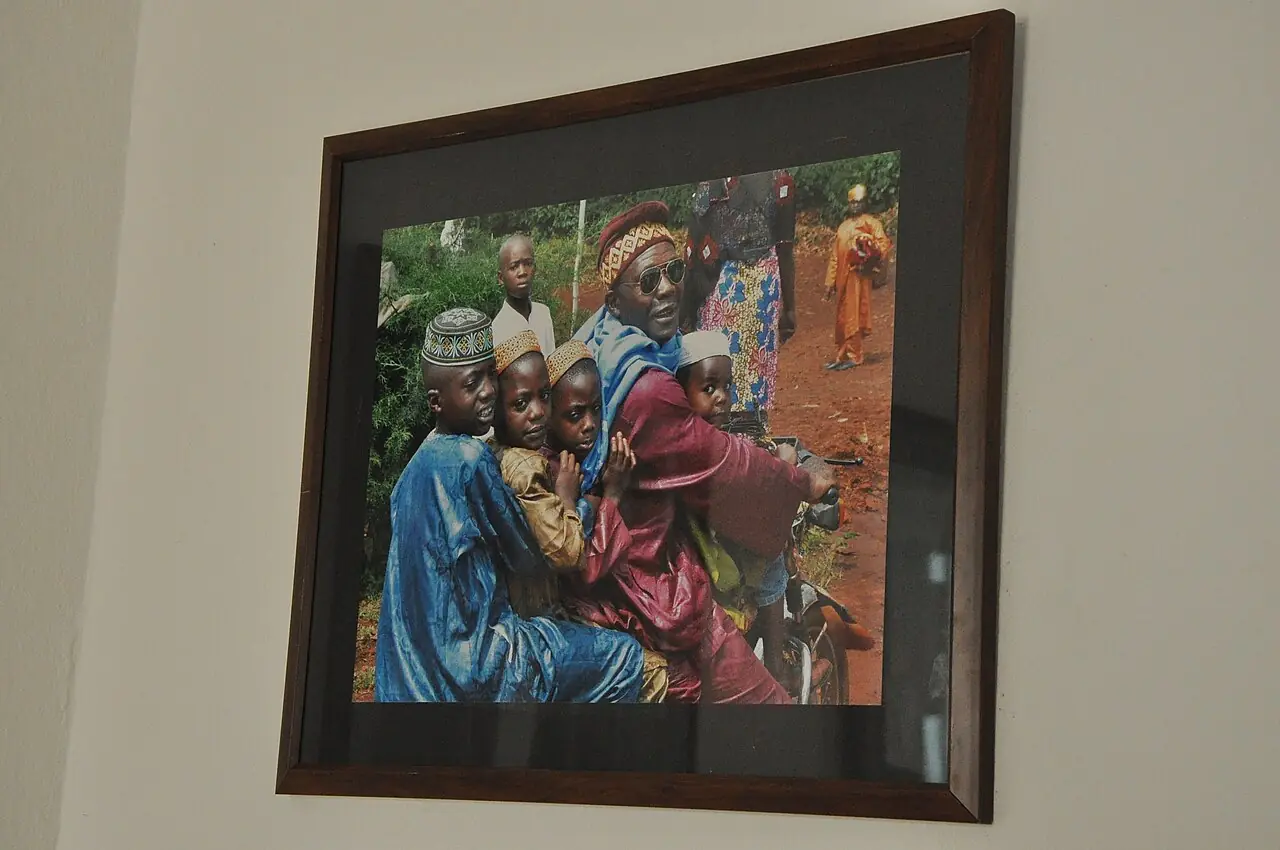
Protect a creation and keep proof of its submission.
The file is registered, the number is displayed and a confirmation message is sent to the address given in the form.
An officer checks that the file is complete and legible; additional information may be requested by e-mail.
The competent directorate examines the application; the status displayed on the tracking page indicates the current stage.
The decision is notified in writing and made accessible from the tracking page, together with the means of appeal.
The file is closed; you keep the receipt and the decision for your own administrative needs.
No, the account is optional. Without an account, you fill in the One-Stop Shop form, attach your documents, pay if the procedure requires it, then receive a file number and a receipt. With an account, you keep all your files in one place, save drafts, attach documents and correspond with the administration. In both cases, keep the number you are given.
Go to the File tracking page and enter the number received at submission. The screen shows the current stage of your application and, depending on the case, the receipt or decision to download. You may consult this page as often as necessary, from a computer or a telephone. One check per working day is generally sufficient.
If the file is linked to your account, its number appears in My area. Otherwise, look for the confirmation e-mail, including in your junk mail. Failing that, write to the Ministry with your name, the procedure, the approximate date of submission and the e-mail address used. After verifying your identity, an officer will give you the number in writing at the address on record. No charge is made for this service.
Your information is used solely to process your application and reply to you. It is shared only with the services concerned. You may ask to view or correct it by writing to the Ministry. The legal notices and the personal data policy can be accessed from the site map. Never disclose your payment codes.
Yes, by written request. State the old and the new address and the file number, and attach a copy of your identity document. The change is recorded in the file and subsequent messages are sent to the new address. The change does not affect the examination in progress. Write before the examination ends.
Yes, provided that the file number is shared among them. An association can thus allow its president, treasurer and secretary to check the status of the application. Share the number only with trusted persons, as it gives access to tracking information. Avoid posting the number on social media.
The account is free. It pre-fills your forms, keeps your drafts, brings together your files, receipts and payments, and opens a message thread with the administration for each file. You can download your data or delete your account at any time; files already submitted remain archived for processing.
Check the number you entered, taking care to distinguish letters from digits, and wait a few minutes if you have just submitted. If the message persists, use the help form, stating the procedure, the date of submission and your e-mail address. An officer will then check that the file has been registered. Avoid submitting a second file.
Yes. When the procedure is subject to a fee, the payment reference appears on the receipt and the tracking page indicates that the payment has been recorded. If the amount has been debited without a receipt, write with the reference of the operator’s message and the file number, without paying a second time. Keep the payment reference.
State your name and the date of submission if you have lost your number.
Ministry of Arts and Culture
Quartier du Lac – Ministerial Zone
P.O. Box 1053 Yaoundé, Centre Region, Cameroon
Monday to Friday, 7:30 a.m. to 3:30 p.m.
Enter your file number to see the stage of your application and download your receipt.