
Artist card application
It allows your professional status to be recognised by the authorities and by partners. It requires evidence of practice (contracts, programmes, certificates). Everything is explained on the Artist card page.
All the Ministry’s forms, sorted by audience: artists, associations, organisers and producers. To be completed online or downloaded, with filling-in tips, signature rules, accessibility and help in case of difficulty.

This page brings together the sixteen forms needed for your procedures, sorted into four audiences: artists, associations, organisers and producers. Most can be completed directly online from the One-Stop Shop; the PDF version is for submissions at a delegation or for working offline.
Each form carries a version date: always check that you are using the most recent one. For each of them, a procedure page explains the conditions, documents and time limits, and links to the submission.

Artists have four forms, which accompany the main stages of a career: gaining recognition, protecting one’s creations, seeking creative time and travelling.
It allows your professional status to be recognised by the authorities and by partners. It requires evidence of practice (contracts, programmes, certificates). Everything is explained on the Artist card page.
This form dates your creation and records its characteristics; it extends the automatic protection of copyright. See Deposit of a work and Declaring a work.
Applications for residencies and mobility scholarships are made on separate forms, which require a statement of intent, a portfolio or an extract of work, and a stay schedule. Submit them within the windows indicated by the calls for projects.
Tip: prepare a single digital file (biography, portfolio, scanned identity documents) that you can reuse for all your applications.
Your personal account stores your information to pre-fill later forms.
Four documents accompany an artist’s career: status, protection of works, residency and mobility. Each links to its procedure page.
Cultural associations use four documents, which mark out their administrative life: being recognised, funding a project, presenting a budget and accounting for expenditure.
The first document to submit in order to obtain recognition from the Ministry. It is attached to the articles of association, the receipt, the list of the board and the activity report. The procedure is described on the Association approval page.
The grant application form presents the project, its objectives, its audience and its schedule. The standard forecast budget is a spreadsheet with automatic calculation: enter expenditure and income, and the totals and balance appear by themselves. The available schemes are described under support funds.
Once the aid has been paid, the association reports back: activities carried out, expenditure justified, audience reached. This report conditions the examination of any later application and is prepared from the start of the project, by filing invoices, photographs and attendance lists as you go. Keep the invoices and the lists of participants: they will serve as supporting documents. For events, see also the event grants.
Four documents accompany an artist’s career: status, protection of works, residency and mobility. Each links to its procedure page.

Anyone who gathers an audience or films in public space must obtain authorisation. Four documents cover the usual cases.
For a concert, a play, a recital or a dance evening open to the public. The form asks for the venue, date, programme, expected capacity and safety measures. See Performance authorisation.
More comprehensive, it describes the programme over several days, the sites, the health arrangements and ticketing. It is prepared using the Organising a festival section, which details each stage; the Festival authorisation page sets out the procedure.
For filming in a public place, a heritage site or a chiefdom. It is accompanied by a synopsis, the filming schedule and the list of locations. See Filming authorisation.
This template structures the thinking on access, evacuations, emergency assistance and the reception of people with reduced mobility. It is attached to applications for large events.
Submit the application several weeks before the date: additional documents can always be supplied, but a delay can rarely be made up.
| Format | For whom | Advantage | Limitation |
|---|---|---|---|
| Online | All users with a connection | Automatic checking of fields and immediate submission | Requires a stable connection |
| Submissions at a delegation and offline preparation | To be completed offline, printed and signed | Manual entry by an official afterwards | |
| Spreadsheet | Forecast budgets of associations and organisers | Automatic calculation of totals and balance | To be attached to the online file |
| Printed version at the counter | Users without digital equipment | Help from an official in completing it | Travel to the delegation |
| Accessible file | Visually impaired people | Compatible with screen readers | On request from the help service |
| Letter template | Follow-up, complaint, duplicate | Outline ready to adapt | Does not replace the procedure form |

Audiovisual producers, collectors, antique dealers, owners of a historic property or simply citizens attentive to heritage have four forms available.
It allows you to propose that a building, an object or a site be protected as heritage. It must include a description, photographs, the history of the property and the owner’s consent. The Listing of a property page details the criteria; see also Listing and protection.
Any work of art intended to leave the territory must be declared. The form describes the work, its provenance, its destination and the duration of its export. See Export of works of art and the fight against illicit trafficking.
A weakened monument, a looted site, an object on suspicious sale: this form alerts the Ministry. Go to Reporting.
It presents a film or series before shooting: genre, budget, crew, financing. It forms part of the cinema policy and allows the service to direct the producer towards suitable aid and authorisations, in particular for filming in a protected place.
This ranking shows each form’s share of all submissions across the four sets above and helps identify the most frequent procedures.
Find the form for your procedure in one of the four sets above and read the procedure page before you begin.
Gather your documents and information: identity document, articles of association, supporting documents, photographs, budget, dates and places.
Online or by hand, in legible letters; use the exact spelling of names and check dates and numbers.
Add the requested documents, one file per document, with a clear name, without exceeding the stated size.
At the One-Stop Shop or the regional delegation; keep the acknowledgement and the file number for tracking.
The online form immediately flags what is missing; I never had to supply additional documents again.
The PDF version allowed me to prepare my file without a connection, then submit it at the delegation.
The spreadsheet budget calculated the balance of my festival project by itself; I saved an evening.
An official completed the listing application for the hut of our chiefdom with me, in Bamileke and then in French.
A well-completed form is not enough if it is signed the wrong way or is an old version. Three simple rules avoid most rejections.
Only the up-to-date version is published on this page, with its date and number. Earlier versions are withdrawn. If you downloaded a form several months ago, open this page again before submitting it. For a particular case, write to the online help.
Online submission constitutes a commitment: by validating, you certify that the information is accurate. At a delegation, a handwritten signature is required, with the name and capacity of the signatory. For an association, this is the legal representative.
One file per document, legible, in PDF or a common image format. Name them explicitly. An illegible document leads to a request for additional documents, which lengthens the tracking of your file.
Forms are free of charge: only a possible fee is due for the procedure, stated before payment and summarised on the Fees page.
The Ministry is committed to ensuring that no one is prevented from submitting a file. Online forms use wide fields, explicit labels and precise error messages; they can be completed on a telephone as well as on a computer. Versions accessible to screen readers are available on request.
If you are not comfortable with writing, or if French is not your main language, an official at the regional delegation can complete the form with you orally and read the text to you before you sign. Artists and master artisans from oral traditions are welcomed in this spirit, as the Quality and accessibility page recalls.
Finally, a relative or an authorised person can submit a form in your place with a written mandate and a copy of your identity document. The opening hours and addresses of the counters are published so that you can prepare your visit.
Document added to your form to substantiate a piece of information.
Date and number of the last update of the form.
Applicant’s declaration that the information is accurate.
Proof of submission given to the applicant.
Written authority given to a third party to submit a file in your place.
Table of the expected expenditure and income of a project.
Person empowered by the articles of association to bind the association.
Document that proves a fact: contract, certificate, invoice.
Section that must be completed in order to validate the form.
Saved version of a form not yet submitted.
These pages complement your procedures: they present the directory, the protection of works, the support schemes and the competitions that often follow a submission.

Make your profile known after obtaining the card.
Understand the declaration and protection of creations.
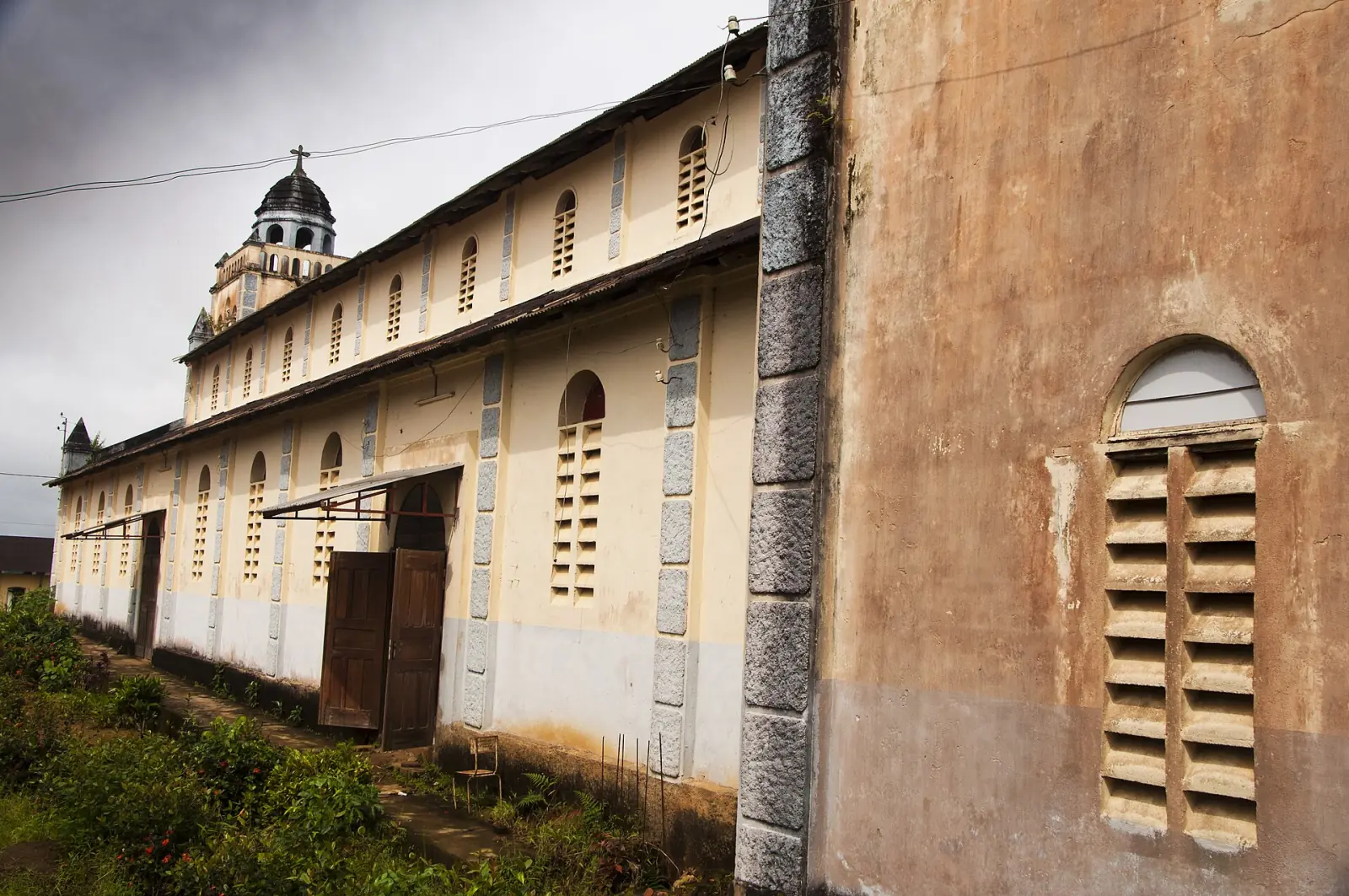
The criteria for protecting a heritage property.
Structure a lasting cultural activity.
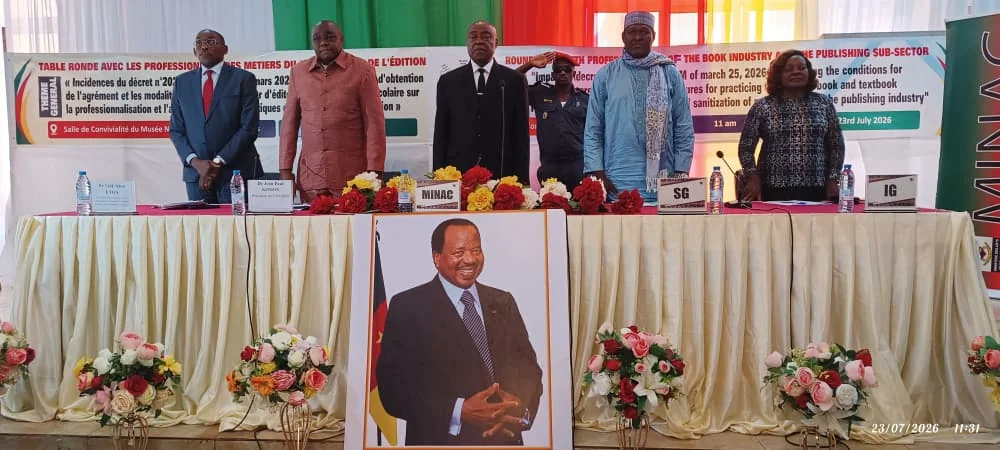
Open applications and their deadlines.
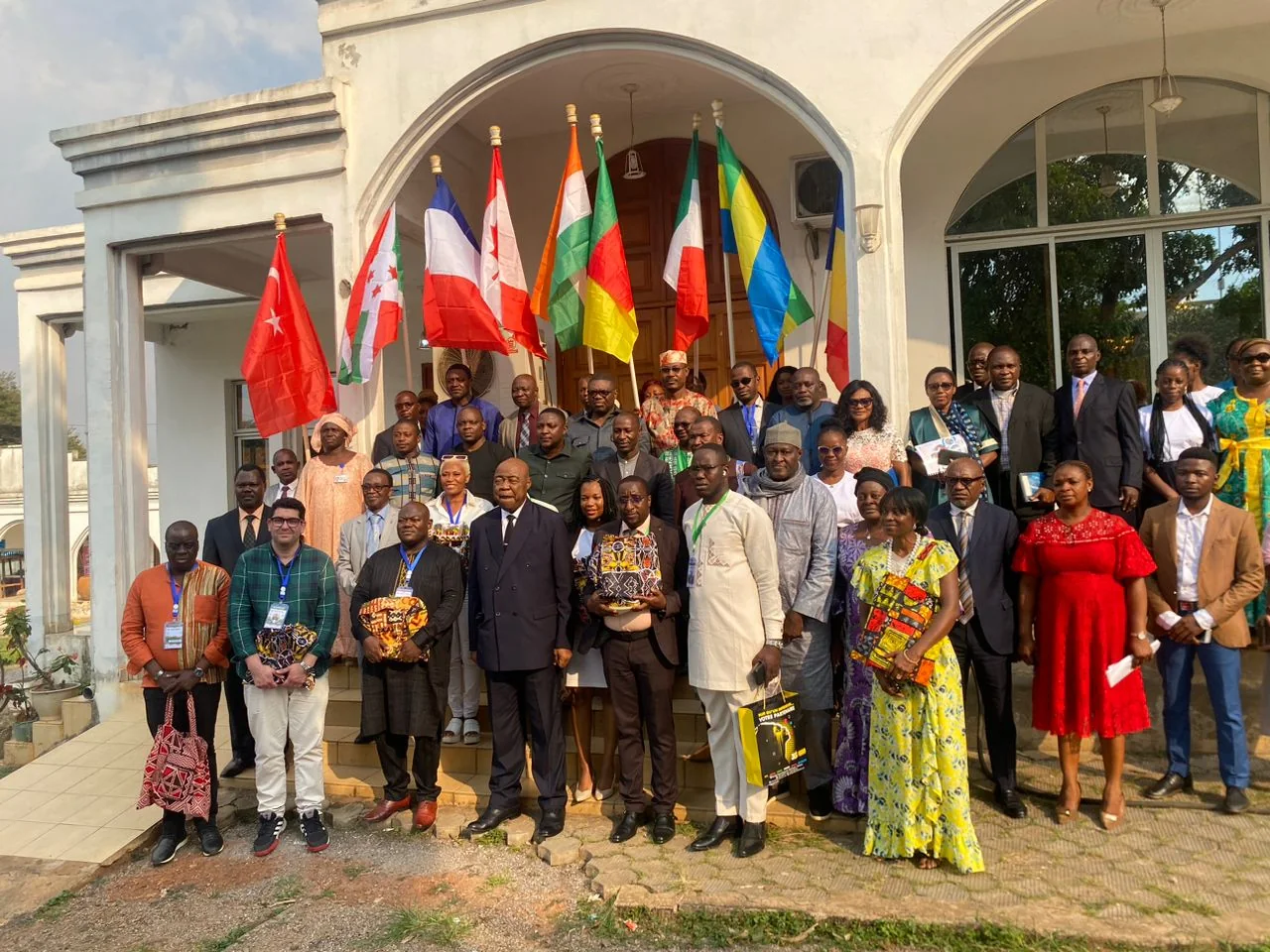
Competitions that reward creators.
Four documents cover public events and film shoots. Each one refers to the page that sets out the conditions, the supporting documents and the deadlines of the procedure.
Four documents are intended for producers, collectors and custodians of heritage. Each one links to the page of the corresponding procedure.
Online submission constitutes a commitment: by validating the form, you certify that the information declared is accurate. At a regional delegation, a handwritten signature is required, with your name and capacity. For an association, the signatory is the legal representative provided for in the articles of association.
Yes: only a possible fee is due for the procedure, never for the form itself. The amount, where there is one, is displayed before payment and can be viewed on the Fees page. Some procedures are entirely free of charge, such as checking the tracking page or reporting a threatened property.
Only the current version is published, in order to avoid errors. If your situation falls under an earlier rule, for example a file opened before an update, write to the help service quoting your file number: an official will tell you which document applies.
Yes, if you are logged in to your personal account: the draft is kept and you will find it again at your next login. Without an account, the submission must be made in a single session; so have all your documents ready before you begin.
Each file must be of a reasonable size, of the order of a few megabytes, in PDF or a common image format. If a document is too large, reduce the scan resolution or split it into several files. The online help offers a scanning guide.
Yes, with a signed written mandate and a copy of your identity document. The name of the authorised person appears on the acknowledgement of receipt. For an online submission, the authorised person uses their own login details and enters your e-mail address, which will receive the notifications.
First consult the page for your procedure, which links to the right document. If you cannot find it, use the help form at the bottom of this page, stating the procedure you are looking for; an official will reply and send you the file or the link.
The essential sections are available in French and English, the two official languages of the country. For help with drafting in a national language, contact the regional delegation, where an official assists with completion orally.
Tell us which one you are looking for.
Online Help Service
Quartier du Lac – Ministerial Zone
P.O. Box 1053 Yaoundé, Centre Region, Cameroon
Monday to Friday, 8 am to 4 pm
The One-Stop Shop already fills in part of the form for you.